SmolVLM2
: 한국어 지원 X
-> 학습 데이터에 한국어가 포함되어 있지 않음
https://arxiv.org/pdf/2502.02737v1
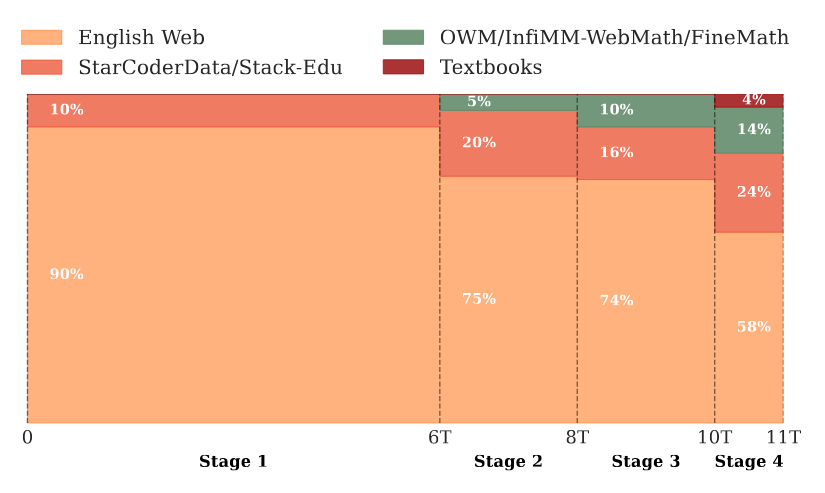
https://huggingface.co/HuggingFaceTB/SmolVLM2-2.2B-Instruct

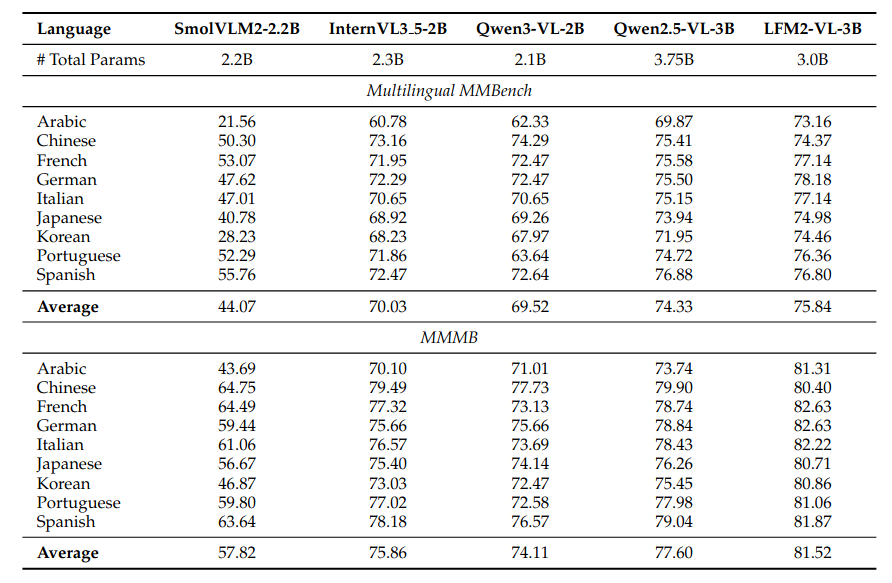
https://arxiv.org/pdf/2511.23404
관련 예제 - 영어로 진행 / RTX 4070
https://huggingface.co/HuggingFaceTB/SmolVLM2-2.2B-Instruct#how-to-get-started
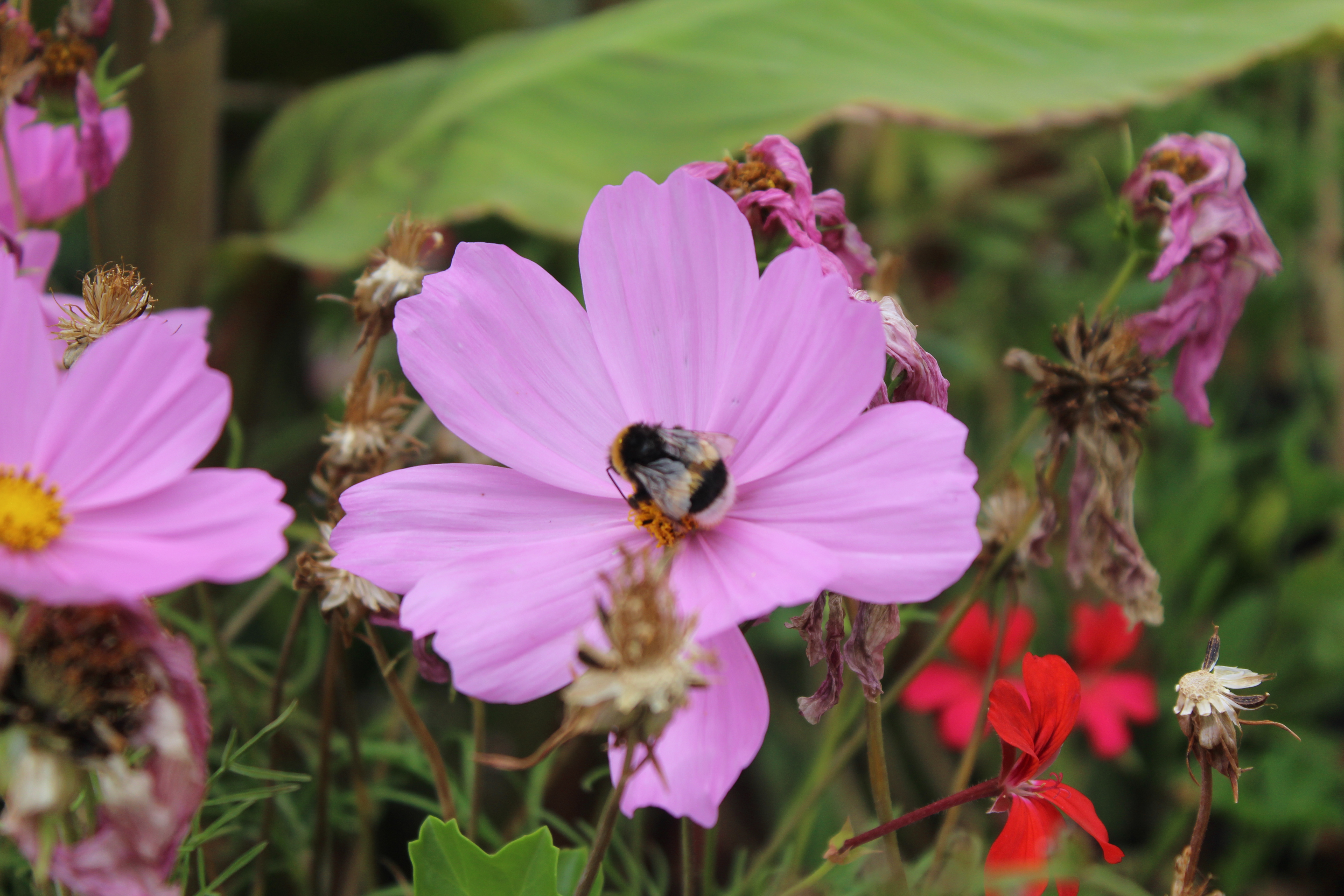
Image (Simple Inference)



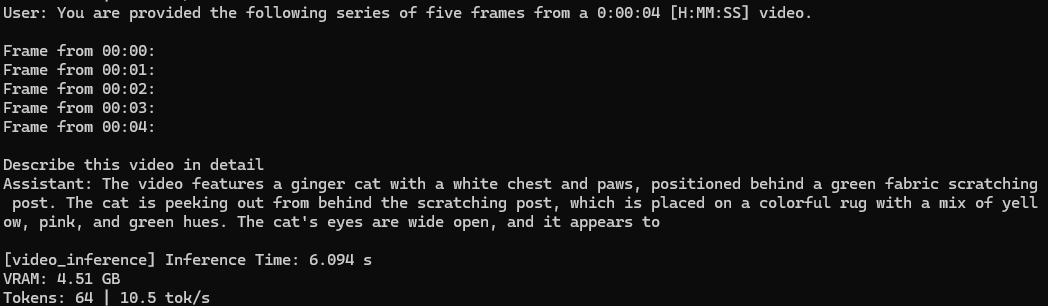
Video Inference


Multi-image Interleaved Inference
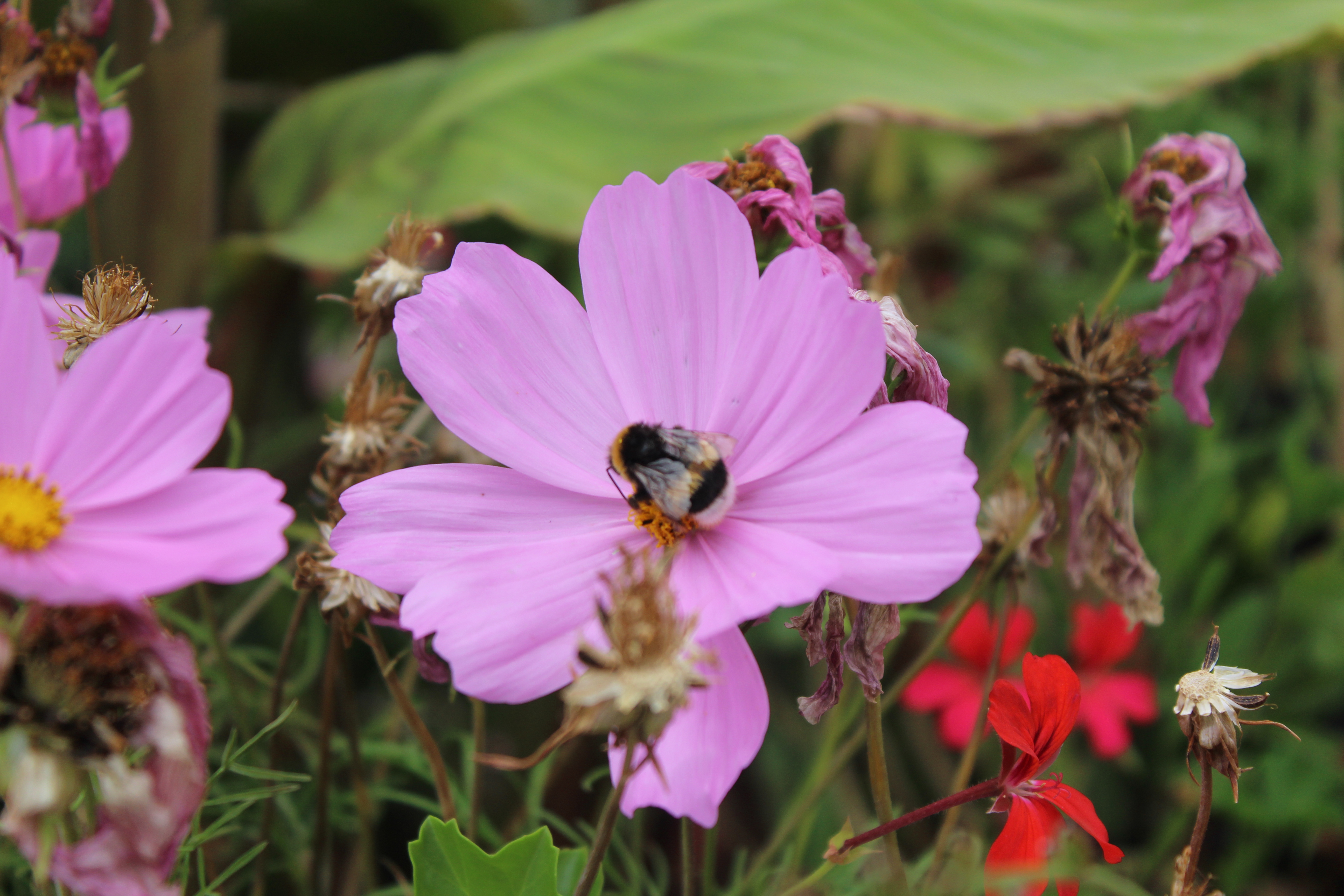 |  |



위 코드들은 아래 깃허브에 환경구축 + 실행 코드 구현해놓음
https://github.com/mxnseo/SmolVLM2.git

Qwen2.5-VL
: 한국어 지원 O
Test backbone -> 한국어 학습 지원 됨
Qwen2.5-VL의 백본이 아래 Qwen2.5 LLM
https://arxiv.org/pdf/2412.15115
-> 여기에서는 한국어까지 모두 학습했기 때문에 한국어 지원 가능하다 판단하고 진행
https://huggingface.co/Qwen/Qwen2.5-3B-Instruct
https://arxiv.org/pdf/2407.10671
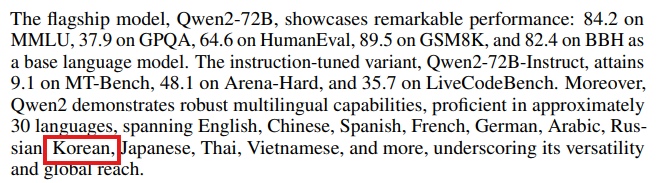
예제 - 영어+한국어로 진행 / RTX 4070
한국어 예제가 없는 관계로 위의 SmolVLM과 비슷하게 작성함
https://github.com/mxnseo/Qwen2.5-VL-ko.git

Simple Inference (eng / tokens 256)
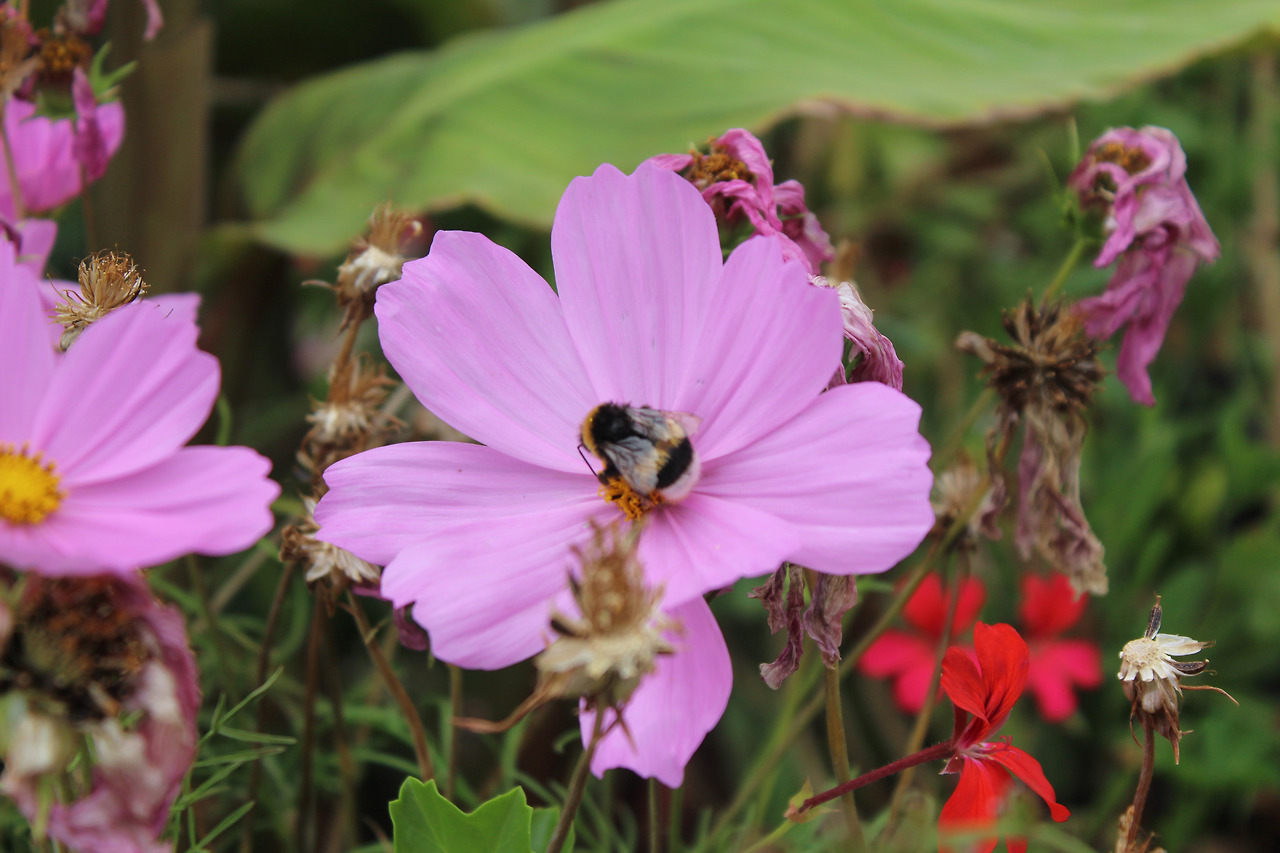


Simple Inference (ko / tokens 256)
"이 이미지에 무엇이 있나요?"


Object recognition (ko)
"이게 뭔가요? 물건 이름과 어떤 상황인가요?"
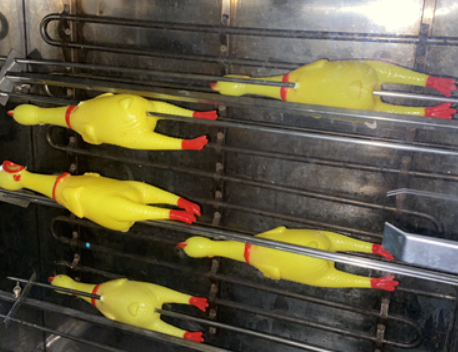


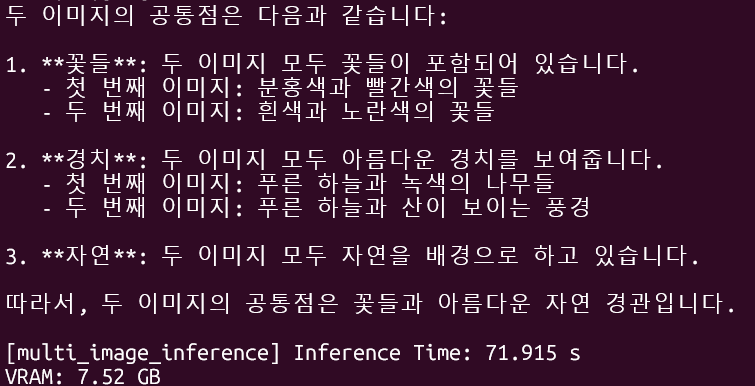
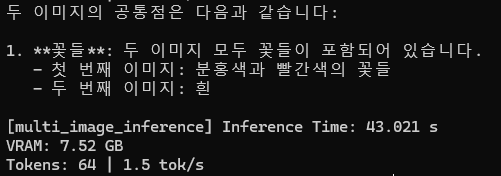
Multi-image Interleaved Inference (ko)
"두 이미지의 공통점은 무엇인가요?"
| |
Qwen2.5-VL + STT (SenseVoice-Small)
STT 선정
1. SenseVoice-Small
https://huggingface.co/FunAudioLLM/SenseVoiceSmall
6개의 언어 지원 중 한국어 포함
VRAM 0.5GB로 초경량, 70ms 실시간 처리 가능
한국어 짧은 명령어에는 정확도가 괜찮으나 앞선 모델보다는 낮은 성능
2. Whisper Large-v3-Turbo
https://huggingface.co/openai/whisper-large-v3-turbo
OpenAI, 99개의 언어 지원함
중간 지점, 별도 최적화 없이 사용 가능함
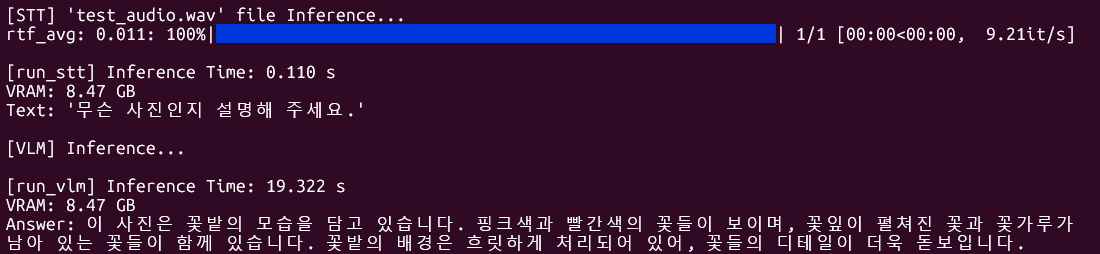
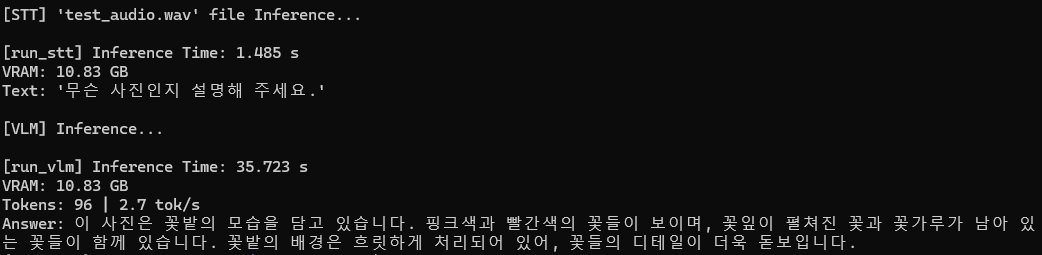
앞서 본 Qwen2.5-VL의 추론시간이 생각보다 길어서 경량 모델인 SenseVoice-Small을 사용하기로 결정함
테스트 코드
https://github.com/mxnseo/Qwen2.5-VL-ko/blob/master/stt_qwen25vl.py

추론 시간 측정 및 VRAM 사용량 측정 코드
| def measure_inference(func): def wrapper(*args, **kwargs): if torch.cuda.is_available(): torch.cuda.synchronize() t_start = time.perf_counter() result = func(*args, **kwargs) if torch.cuda.is_available(): torch.cuda.synchronize() t_end = time.perf_counter() elapsed = t_end - t_start print(f"\n[{func.__name__}] Inference Time: {elapsed:.3f} s") if torch.cuda.is_available(): print(f"VRAM: {torch.cuda.memory_allocated() / 1e9:.2f} GB") return result return wrapper |
https://jaeha-lee.tistory.com/8
이후 tok/s 수정하여 사용한 코드
| def measure_inference(func): def wrapper(*args, **kwargs): if torch.cuda.is_available(): torch.cuda.synchronize() t_start = time.perf_counter() result = func(*args, **kwargs) if torch.cuda.is_available(): torch.cuda.synchronize() t_end = time.perf_counter() elapsed = t_end - t_start print(f"\n[{func.__name__}] Inference Time: {elapsed:.3f} s") if torch.cuda.is_available(): print(f"VRAM: {torch.cuda.memory_allocated() / 1e9:.2f} GB") # if result == token -> token/s time if isinstance(result, tuple) and len(result) == 2: actual_result, n_tokens = result if isinstance(n_tokens, int): print(f"Tokens: {n_tokens} | {n_tokens / elapsed:.1f} tok/s") return actual_result return result return wrapper |
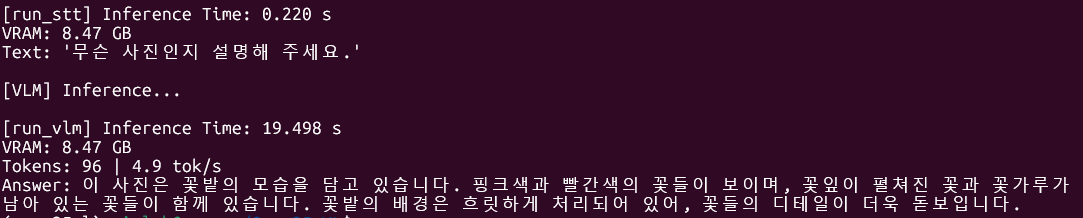
(1) 시간 측정
| if torch.cuda.is_available(): torch.cuda.synchronize() |
synchronize(): GPU 연산이 완전히 끝날 때까지 CPU를 강제 대기시킴
(이게 없으면 GPU가 아직 계산 중인데 시간 측정을 시작해서 부정확해질 수 있음)
| t_start = time.perf_counter() |
perf_counter(): Python 타이머, 시간 시작 기록
| result = func(*args, **kwargs) |
여기에서 데코레이터 뒤에 있는 (실제 실행될) 함수들이 실행됨
| def measure_inference(func): def wrapper(*args, **kwargs): |
이게 데코레이터인데 func = 아래서 @붙인 함수가 들어가고
wrapper에서 실제 실행될 함수가 들어감
== 원본 함수를 감싸서 앞뒤로 코드를 끼워넣는 것
| if torch.cuda.is_available(): torch.cuda.synchronize() t_end = time.perf_counter() |
이 부분에서 끝날 때 다시 한 번 synchronize()를 호출하여 끝난 시점을 정확히 잡음
이후 종료 시간 기록
| elapsed = t_end - t_start print(f"\n[{func.__name__}] Inference Time: {elapsed:.3f} s") |
종료 - 시작 = 경과 시간
(2) VRAM
| if torch.cuda.is_available(): print(f"VRAM: {torch.cuda.memory_allocated() / 1e9:.2f} GB") |
memory_allocated(): 현재 GPU에 올라간 tensor들의 메모리 합계를 바이트 단위로 반환함
print 할 때 1e9로 10억으로 나눠서 GB 변환해서 출력함
(3) tok/s
| if isinstance(result, tuple) and len(result) == 2: |
반환값이 (text, tuple)인지 확인
= 모델이 내뱉는게 text, tuple이라서 이 한 토큰을 내뱉을 때마다 측정하기 위함임
| actual_result, n_tokens = result |
따로 분리 actual_result : 텍스트 답변 / n_tokens: 생성된 토큰 수
| if isinstance(n_tokens, int): print(f"Tokens: {n_tokens} | {n_tokens / elapsed:.1f} tok/s") |
n_tokens이 정수인지 확인한 다음
n_tokens / elapsed로 토큰이 생성될 때 걸리는 시간을 측정함
(생성 토큰 수 / 걸린 시간) = 1초당 몇 토큰 생성
댓글
댓글 리스트-
작성자Sungryul Lee 작성시간 26.06.11 추론시간 측정코드 첨부할것
VRAM 사용량 측정방법 첨부할것
VLM+STT 연결한 모델에 대한 추론 테스트는 바로 안되는지?
STT 사용하려면 마이크 필요할텐데 구매할것
VLM+STT 모델
1. 파인튜닝예제 찾기
2. 훈련데이터 포맷조사
3. 예제를 이용하여 파인튜닝
4. 결과분석 -
작성자Sungryul Lee 작성시간 26.06.13 위 예제실행환경이 리눅스인지 윈도우즈인지?
-
답댓글 작성자신민서 작성자 본인 여부 작성자 작성시간 26.06.13 OS는 윈도우즈고 예제실행환경은 wsl-ubuntu22.04입니다