3d Album commercial Suite
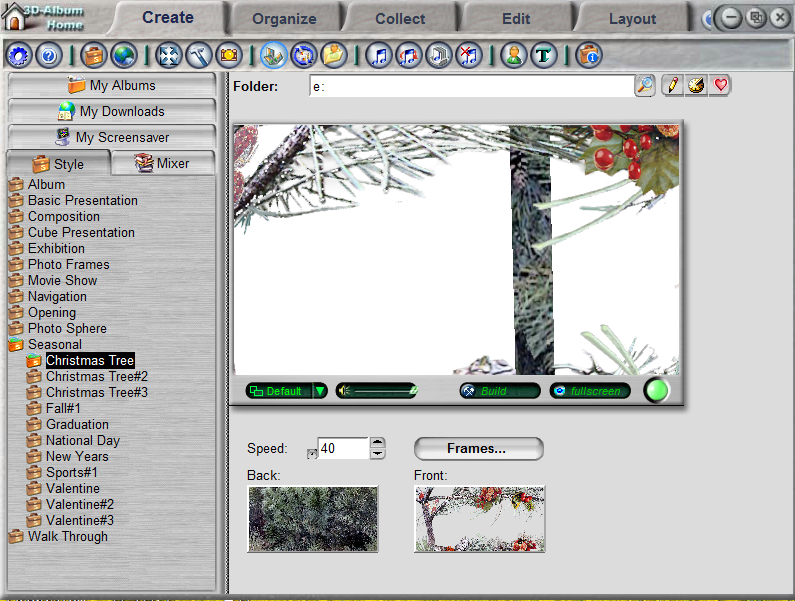
A.설치
1.3d Album commercial Suite 를 컴 D 드라이브에 옴기고
2.3d Album commercial Suite 를 W 크릭 하고 ---상단 mosaic 밑에 3d Album commercial Suite 를 크릭 하여 압축풀기
3.폴더보기--- 3d Album commercial Suite 3.29WWW.. 크릭---하단에 instal 크릭 하면 아래와 같은 창이 뜬다
Programme have set the old serial number -EWA0ARACHVCGYTXXPLWN -----구넘버
and then replace the same number in the registry at 06660R0NEVIENS0034HQ
Start-Run-regedit
HKEY_LOCAL_MACHINE\SOFTWARE\Visviva\3D-Album-CS\Serial\
HKEY_CURRENT_USER\Software\Visviva\3D-Album-CS\Serial\
-------------------------------------------------- --------------------------------------------------
The order Installations:
1. Set Program
2. Run Upgrate 2.39
3. Copy Folder Presintation to the directory with the progress with full rotations.
4. Change key in the registry.
4.구넘버 복사 ( 복사시 ctrl + c 붙이기 ctrl+v 를 꼭 사용할것 ) (EWA0ARACHVCGYTXXPLWN--만 복사)
5.3d Album CS 3.0- Setup W크릭---Setup 크릭---Agreement 창 하단좌측 YesAgree 크릭---SerialNumber에
구넘버 부붙여 넣기---하단좌측 Continue 크릭 ~~~~~installing~~~~~ Finish
B.Mosaic
1.D드라이브에 3d Album commercial Suite 크릭---Mosaic 압축파일을 풀고-----모두복사 (MosaicPS_V01은제외)
2.프로그램파일에서 3D-Album-CS를 열고--Presentaion열고---PhotoSpher를 열고 붙여넣기.끝
3D Album Creative Suite
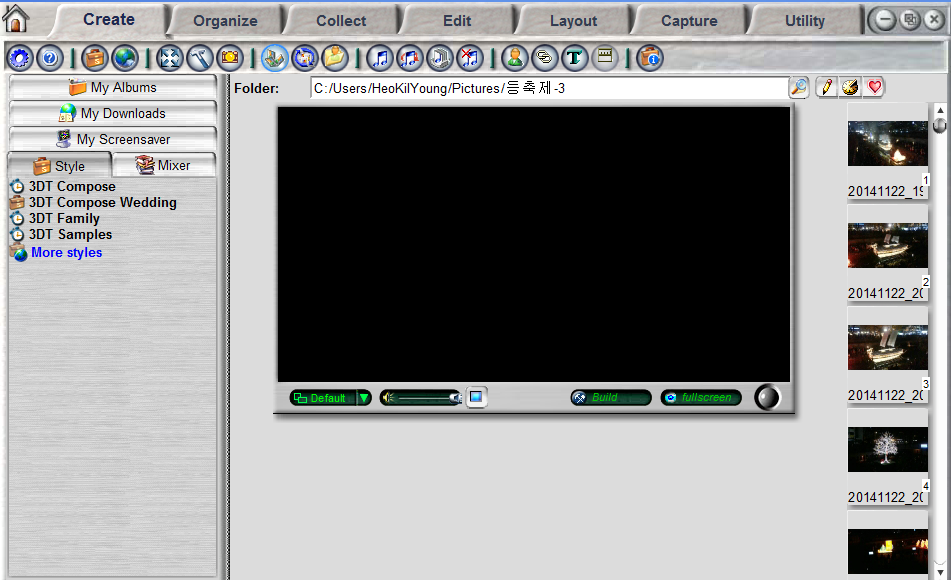
가.3D Album Creative Suite설치 (TR .창조적 )
1.D 드라이브에서 3D Album 열고-----Setup (로고큰것 응용프로그램160kb)
2.예,동의함(y) 크릭---계속(c) 크릭--- 상단 우측 X 크릭 하고 나온다 (등록 , 종료 ,는 건드리지 말것) 끝