
출처 : 여성시대 하야자키 미야옹
자게에 썼다가 더 많은 여시들에게 쓰임이 되면 좋을 것 같아서 잇게에 들고와봤어요
유라이x 같은 필터 어플 써서 전면 카메라로만 셀카 찍는 헴들 화질 뭉개져서 필터 티 너무 나면 어디 올리기도 좀 그렇고 길티잖아
그럴 때 셀카 사진과 함께 하단의 프롬프트 넣고 돌리면 아이폰 기본 후면 카메라로 찍은 것처럼 화질을 보정해줘서 한결 자연스러워 보임..!
<프롬프트>
Edit the uploaded selfie into a vivid, high-resolution, sharply focused version of the exact same photo, as if it were captured with the default iPhone rear camera instead of a front-facing filter camera app.
This is a restoration and clarity-enhancement task, not a beautification, restyling, or generative re-creation task. Use the original image as the strict visual anchor. The goal is to recover clarity from the existing photo, not to reinterpret the person or create a new portrait.
Preserve the person’s exact identity and appearance. Do not change the facial features, face shape, facial proportions, eyes, eyelids, nose, lips, jawline, cheek volume, expression, makeup style, hairstyle, bangs, loose hair strands, pose, hand placement, accessories, clothing design, background, camera angle, framing, crop, aspect ratio, or composition.
Keep the original lighting direction and the shadows on the facial features exactly as they are. Preserve the original brightness, saturation, contrast, white balance, color temperature, and overall atmosphere as closely as possible. The “iPhone rear camera” reference should only guide realistic optical clarity, sharpness, and texture — not change the mood, lighting, colors, or composition.
Remove the low-resolution filter-camera look: reduce smeared texture, artificial beauty-app softness, micro-blur, slight shake blur, waxy skin smoothing, compression artifacts, and unnatural soft-focus haze. Make the result look genuinely in focus, crisp, and optically clear, while still natural and not overprocessed.
Restore realistic micro-detail only where it naturally belongs in the original image: subtle skin texture, very fine pores, natural peach fuzz, delicate lip lines and lip texture, individual eyelashes, eyebrow hairs, fine hair strands, realistic hair texture, natural eye catchlights, fabric texture in the clothing, and texture in the surrounding materials such as bedding, sofa, curtains, or background surfaces.
Do not invent new facial details, change the skin type, add artificial pores, add extra lashes, alter the makeup, reshape the face, enlarge the eyes, slim the nose, change the lips, sharpen the face into an unnatural look, or smooth the skin into a plastic beauty-filter finish. Avoid halos, crunchy oversharpening, excessive contrast, artificial HDR, fake skin grain, and AI-generated beauty-retouching artifacts.
The final image should feel like the exact same selfie, only genuinely higher-resolution, clearer, sharper, more vivid, and more realistic. It must not look blurred, shaky, filtered, airbrushed, heavily retouched, over-sharpened, or AI-generated. Prioritize true optical clarity, faithful identity preservation, realistic micro-detail, and natural camera sharpness.
+ 인스타에 올릴 땐 'ai활용'이라고 붙더라고
ai로 제작한 사진이라 그런 듯? 내 카톡방에 보내서 다시 원본 저장하니까 안 뜨더라! 참고해
해상도 개선이 목적이다보니 대비감도 같이 올라가는 건 어쩔 수 없는데 기본 카메라 에디터에서 색감만 후보정해주면 괜찮은 듯
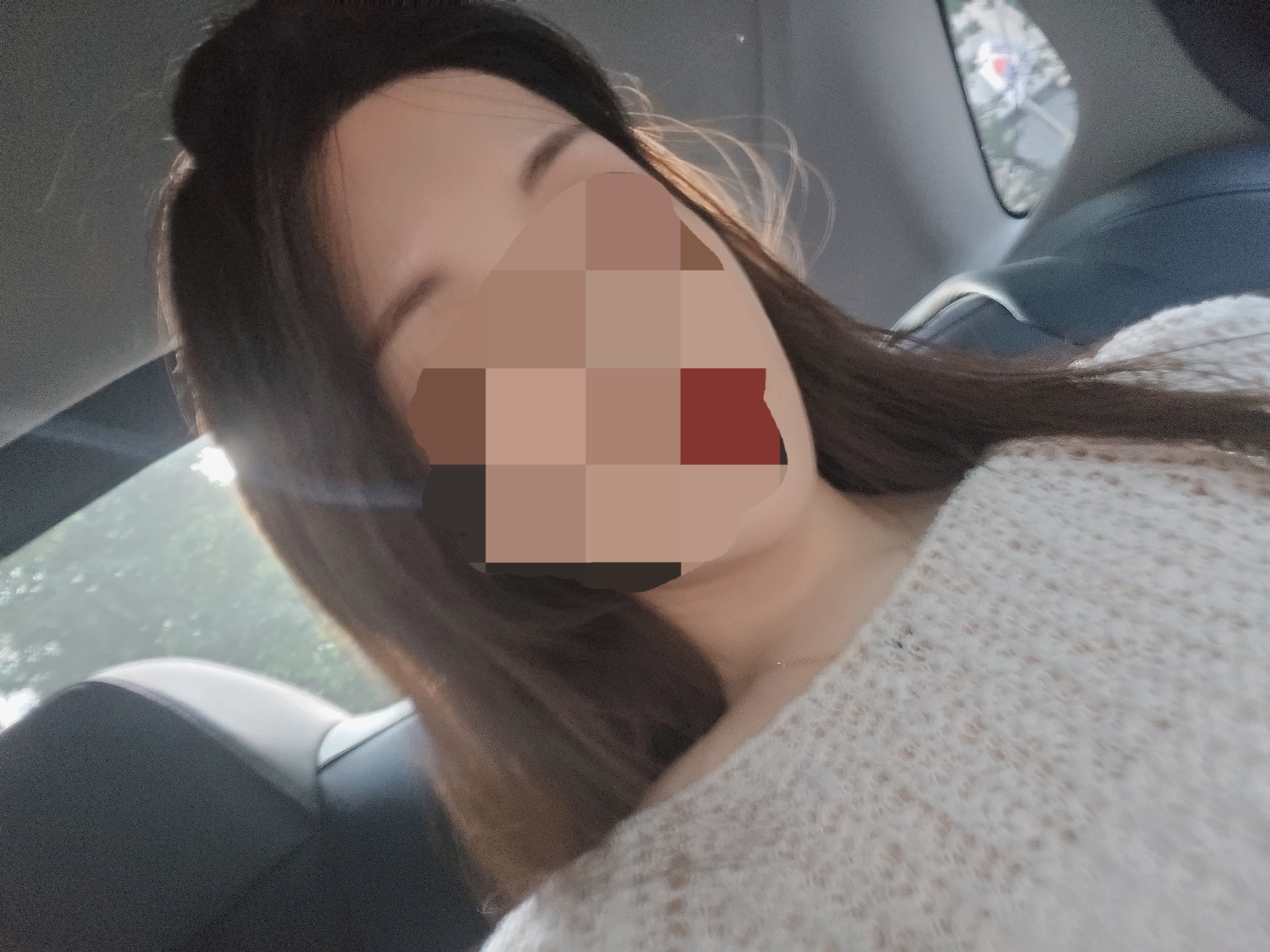
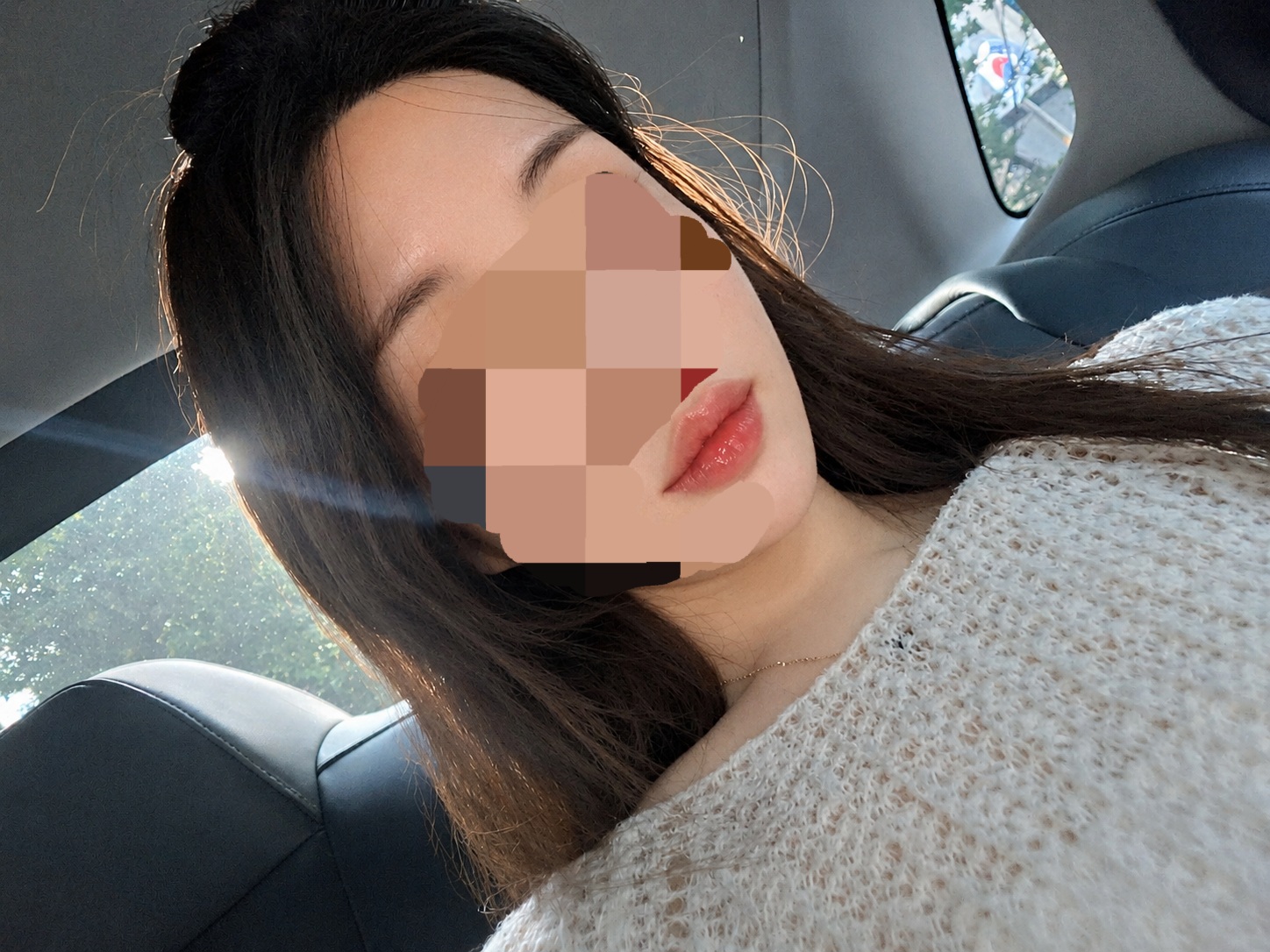
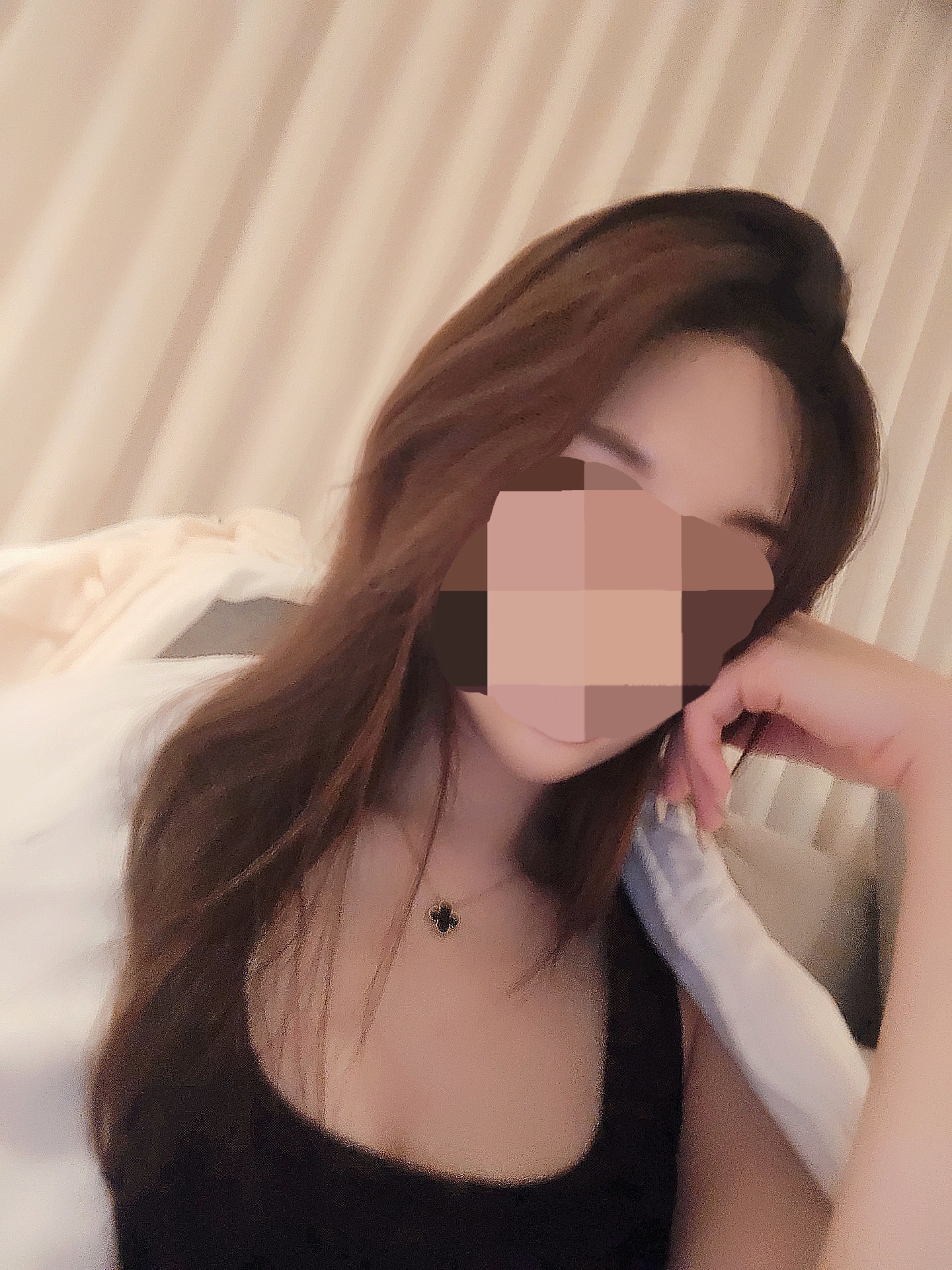
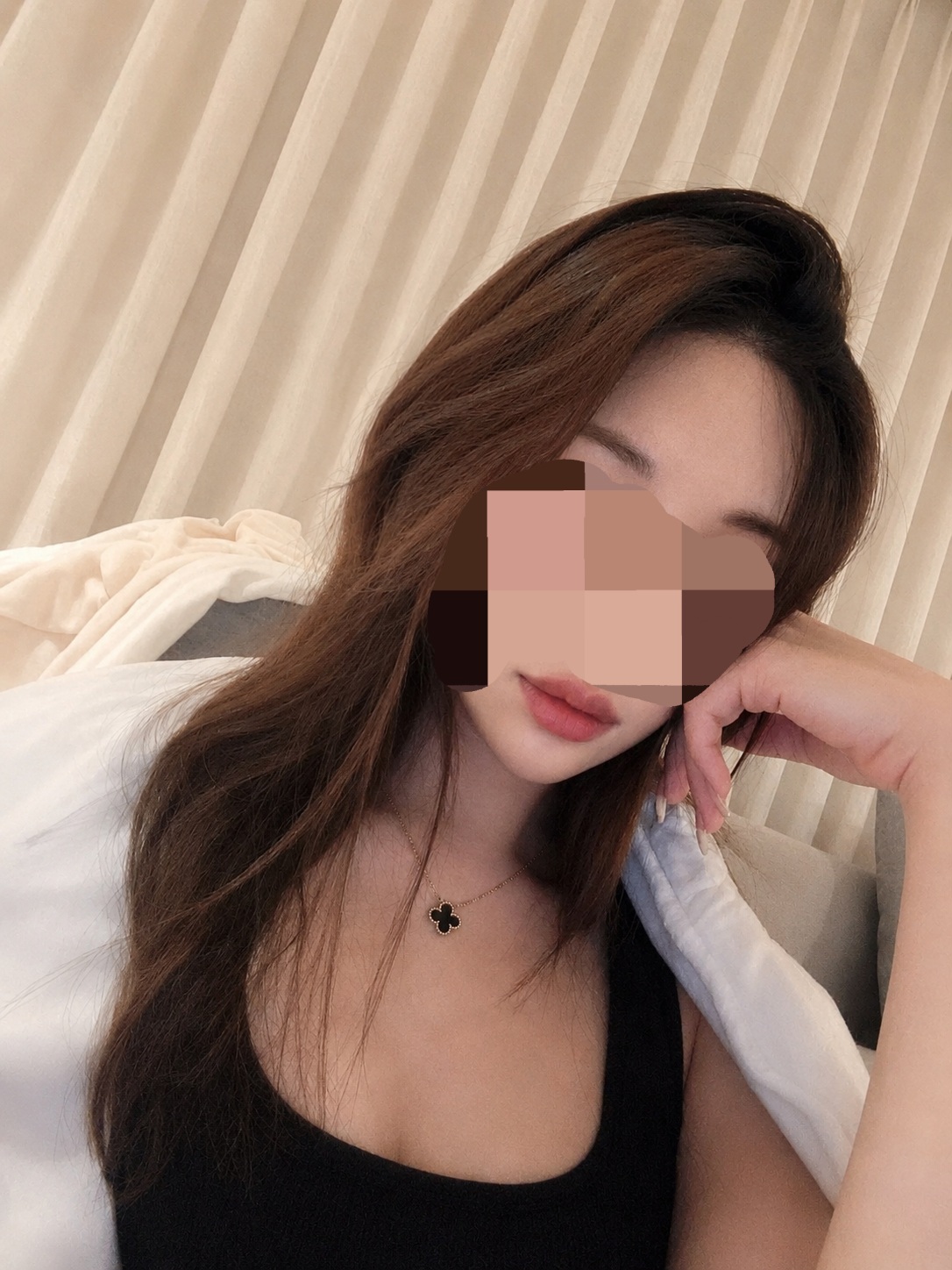
내 사진 갖고 gpt 유료 버전만 테스트해봐서 다른 헴들에게도 도움이 될진 모르겠지만.. 프롬프트 만든 김에 공유해봄🥹 눈썹/입술 결 보여주려고 일부러 안 가렸어! 사진 게시 문제되면 지울게요
